
 English
 Français
 BTC
BTC
 ETH
ETH
 LTC
LTC
 BCH
BCH
 USDT
USDT
 DOGE
DOGE
 DASH
DASH
 USDC
USDC
 XRP
XRP
 XMR
XMR
 TRX
TRX
 BNB
BNB
 SHIB
SHIB
 SOL
SOL
 DAI
DAI
 ZEC
ZEC
 ETC
ETC
 POL
POL
 ADA
ADA
 XLM
XLM
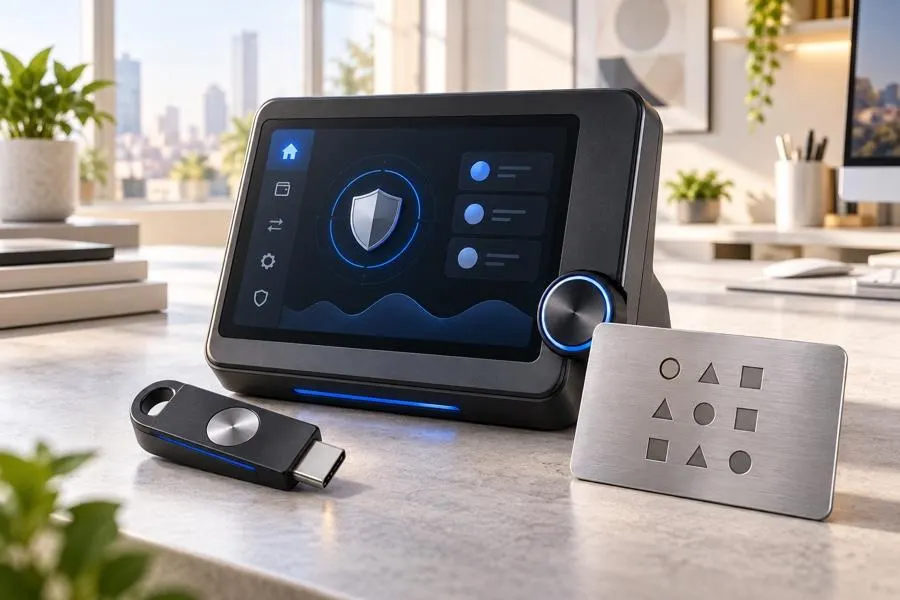
A search for the best desktop wallets should begin with the holderu2019s security model, not a universal ranking. A desktop wallet is software on a computer used to manage addresses, transactions andu2014in many self-custody designsu2014private-key access. The right choice depends on supported assets, the operating system, backup and recovery process, update habits and how much value the user intends to protect.
Choose the control model first
Question | Why it matters | What a good answer includes |
|---|---|---|
Which assets and networks are needed? | Support is not identical across wallets | Exact asset and network compatibility, not a generic logo list |
Who controls the keys or recovery material? | Control determines both independence and responsibility | A clear explanation of backup and recovery ownership |
How is the computer secured? | A wallet is only as safe as the environment it runs in | Updates, device access protection and cautious software installation |
How will recovery work? | Lost access can be more serious than a price movement | A tested, private and durable backup plan |
What is the transaction workflow? | Address mistakes and malware risks occur during sending | Independent address verification and a deliberate confirmation process |
Desktop wallet, hardware wallet and custodial account are not the same
A desktop wallet may give the user direct control over recovery material, but it also makes the user responsible for protecting it. A hardware wallet can separate signing from the everyday computer workflow in some setups. A custodial service may manage access and recovery on behalf of the user, with different counterparty and account-access risks. The best arrangement depends on the useru2019s needs and ability to follow the required controls.
Set up a wallet safely
Download software only from the official project source and verify the site carefully before installing.
Keep the operating system and wallet software updated through official channels.
Create recovery material privately and store it offline in a way that is protected from loss, damage and unauthorised access.
Never send a recovery phrase, private key, password or one-time security code to anyone claiming to offer support.
Before moving a meaningful amount, understand the exact network and transaction process; use a suitable small test only when appropriate.
Compare wallet options with a practical matrix
Criterion | What to verify | Why popularity alone is not enough |
|---|---|---|
Asset support | Exact native asset and network handling | A popular wallet may not support the intended route |
Transparency and maintenance | Official documentation, update history and security guidance | A polished interface does not prove a usable recovery process |
Backup process | What is generated, where it is stored and how it would be recovered | Recovery is the core self-custody responsibility |
Transaction safety | Address display, fee controls and confirmation details | Most irreversible errors happen at the sending step |
Compatibility | Operating system, hardware-wallet integration and required workflow | A feature is only valuable if it fits the useru2019s setup |
Recovery planning is a feature, not paperwork
Before funding a wallet, ask what happens if the computer fails, the app is removed or the device is stolen. The answer should rely on recovery material that the user controls and can access privatelyu2014not on a screenshot, cloud note or a promise that support can recreate a self-custody secret. A recovery plan should also avoid placing a single unprotected copy where it can be lost or stolen.

Make the first transaction deliberately
Before transferring a meaningful balance, confirm the receiving address and intended network from a trusted source. Read the transaction screen rather than clicking through familiar prompts: asset, network, address, amount and fees should each make sense. A small test can be appropriate where it fits the asset and the destinationu2019s instructions, but it does not remove the need to verify every later transfer independently.
Event | Immediate action | Action to avoid |
|---|---|---|
Unexpected wallet pop-up or update request | Close it and verify the official project source independently | Entering recovery material into a link supplied by the pop-up |
Lost or replaced computer | Use the pre-planned recovery process from a secure environment | Assuming the app developer can recreate self-custody secrets |
Suspicious support message | Use the official help route and preserve only necessary evidence | Sharing a seed phrase, private key or remote-device access |
Wrong address or network concern | Pause and verify before sending; use official recipient instructions | Rushing a second transfer to u201cfixu201d the first one |
Review access when circumstances change
Revisit the wallet setup after a new computer, operating-system reinstall, move, personnel change or a change in the value being held. An arrangement that was acceptable for a small experimental balance may not be appropriate later. Security is not one setup step; it is a routine that remains aligned with the useru2019s device, knowledge and risk exposure.
Conclusion
The best desktop wallet is the one whose supported assets, security model and recovery procedure match the useru2019s actual habits. Compare control, compatibility, updates and backup process before interface design or popularity. In self-custody, a careful setup and transaction routine are more valuable than any ranking position.
