English
 Français
 BTC
BTC
 ETH
ETH
 LTC
LTC
 BCH
BCH
 USDT
USDT
 DOGE
DOGE
 DASH
DASH
 USDC
USDC
 XRP
XRP
 XMR
XMR
 TRX
TRX
 BNB
BNB
 SHIB
SHIB
 SOL
SOL
 DAI
DAI
 ZEC
ZEC
 ETC
ETC
 POL
POL
 ADA
ADA
 XLM
XLM
1. Find your company
Open the company profile in the Cryptwerk directory and select Claim the company.

FOR COMPANY OWNERS
If your company is already listed on Cryptwerk, claim it to keep its business, crypto-payment and contact information accurate for people deciding where to spend crypto.
Claiming starts from the company profile.
A CLEAR REVIEW PROCESS
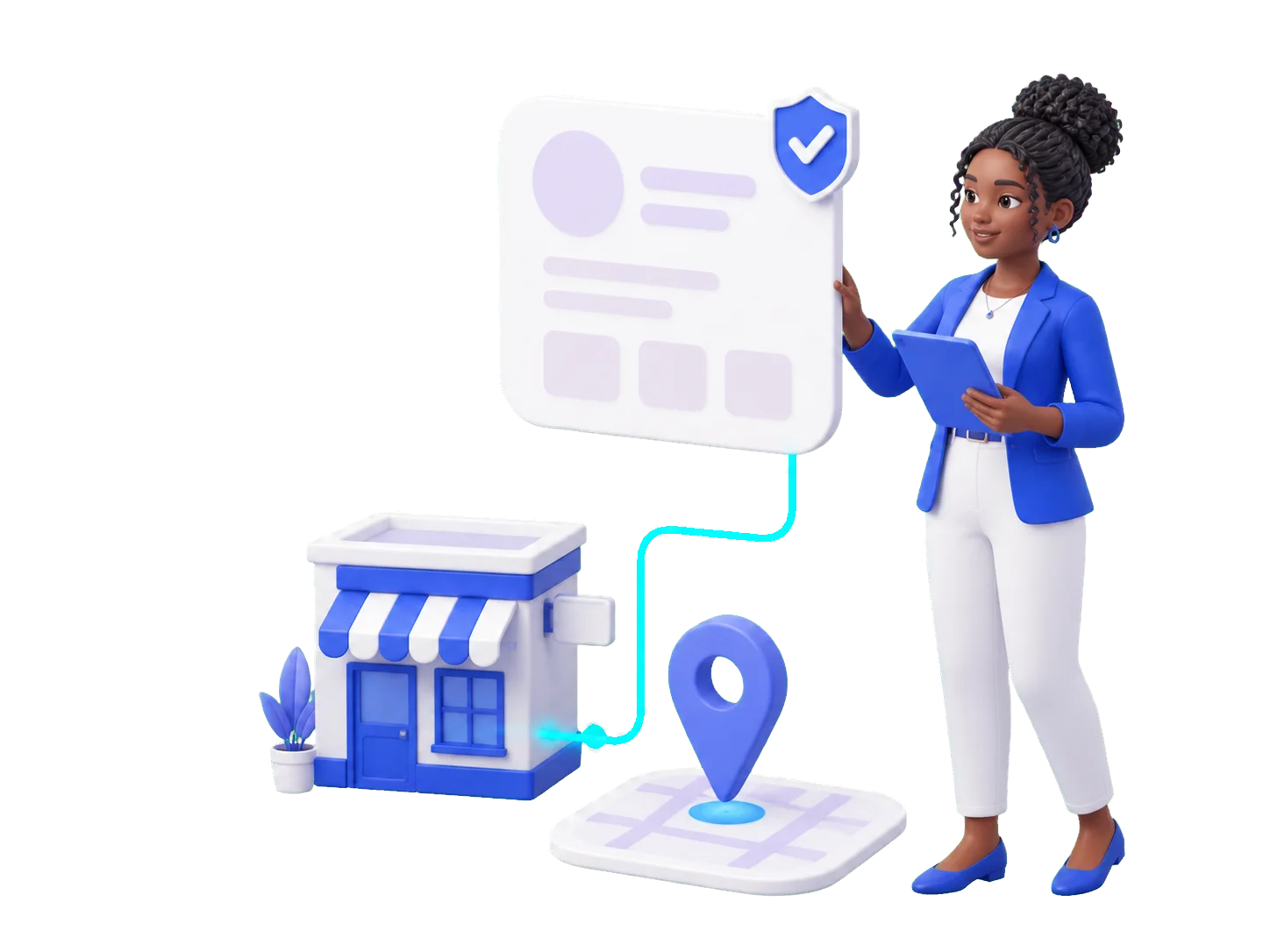
We check that your account is connected to the business before granting profile access.
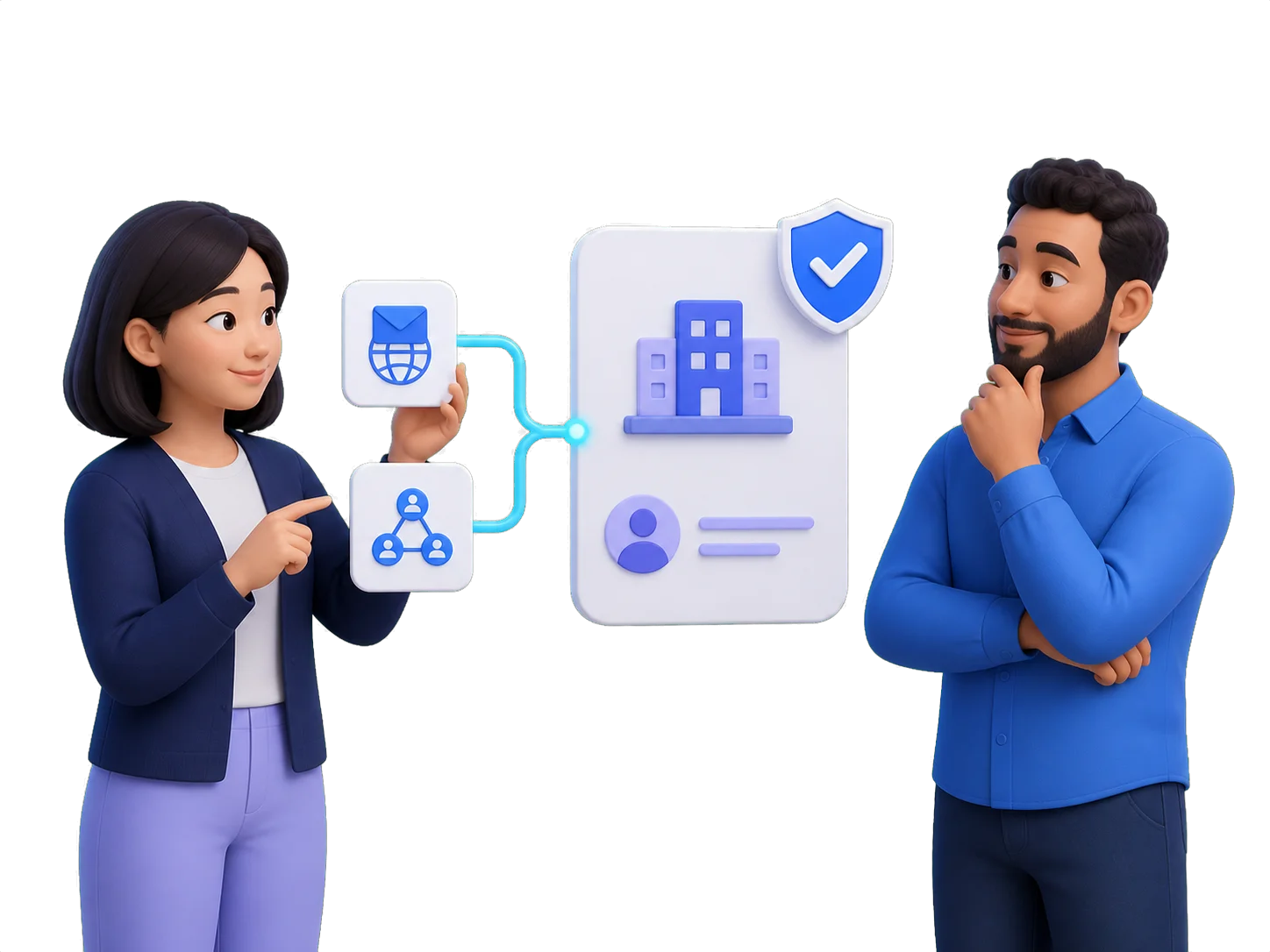
Open the company profile in the Cryptwerk directory and select Claim the company.
Register or sign in with an email domain that matches the company website, or use relevant company social accounts.
After verification, you can manage profile details, photos and promotion options.
OWN THE INFORMATION CUSTOMERS USE
A claimed profile gives your team a direct way to keep customers informed before they visit, buy or get in touch.
READY TO TAKE CONTROL?
Start by finding the existing company profile. If it is already on Cryptwerk, use the Claim company button on that profile.
Find your company