
 English
 Français
 BTC
BTC
 ETH
ETH
 LTC
LTC
 BCH
BCH
 DOGE
DOGE
 USDT
USDT
 DASH
DASH
 USDC
USDC
 XRP
XRP
 XMR
XMR
 TRX
TRX
 BNB
BNB
 SHIB
SHIB
 SOL
SOL
 DAI
DAI
 ZEC
ZEC
 ETC
ETC
 POL
POL
 ADA
ADA
 XLM
XLM
Trading Charts Alternatives for Forex Traders in 2026
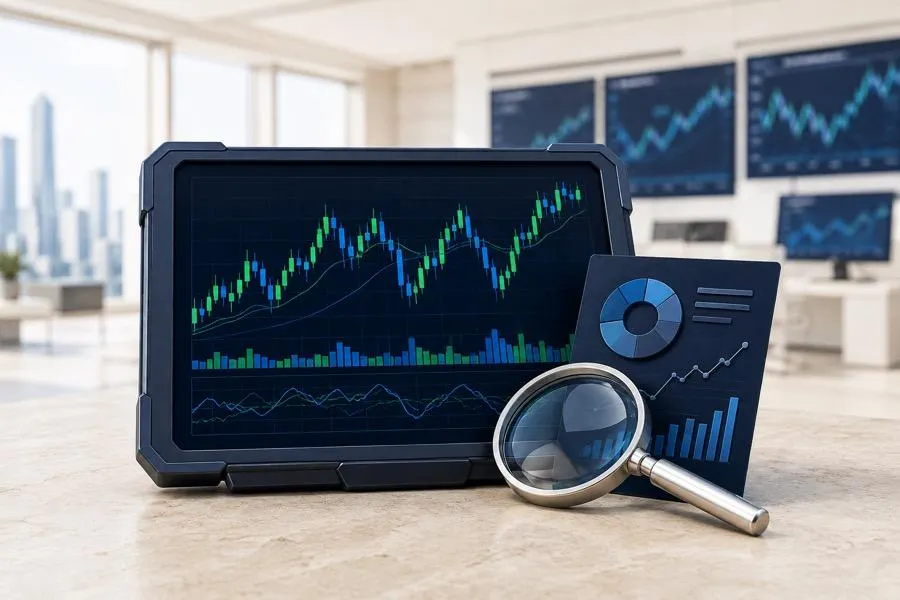
Trading charts have become more than simple price visualizations. Modern market-analysis websites combine interactive charts with technical indicators, instrument data, trading ideas, news, economic information, and tools for comparing different markets.
For forex traders, this creates a wide range of alternatives. Some services focus primarily on advanced charting, while others act as broader market-research portals where traders can move from a currency pair chart to news, analysis, trading ideas, or related instruments without leaving the website.
In this guide, we compare some of the most useful trading-chart and market-analysis websites for forex traders in 2026, including MetaTrader.com, TradingView, Investing.com, Barchart, Yahoo Finance, StockCharts, and other popular research platforms.
Best Trading Chart and Market Analysis Websites for Forex Traders
| Service | Best for | Forex charts | Trading ideas | Market news | Browser-based |
|---|---|---|---|---|---|
| MetaTrader.com | Forex charts and market research | Yes | Yes | Yes | Yes |
| TradingView | Advanced interactive charting | Yes | Yes | Yes | Yes |
| Investing.com | Macro and market data | Yes | Limited | Yes | Yes |
| Barchart | Technical and market screening | Yes | Analysis | Yes | Yes |
| FXStreet | Forex-specific research | Yes | Analysis | Yes | Yes |
| Yahoo Finance | General market research | Yes | No | Yes | Yes |
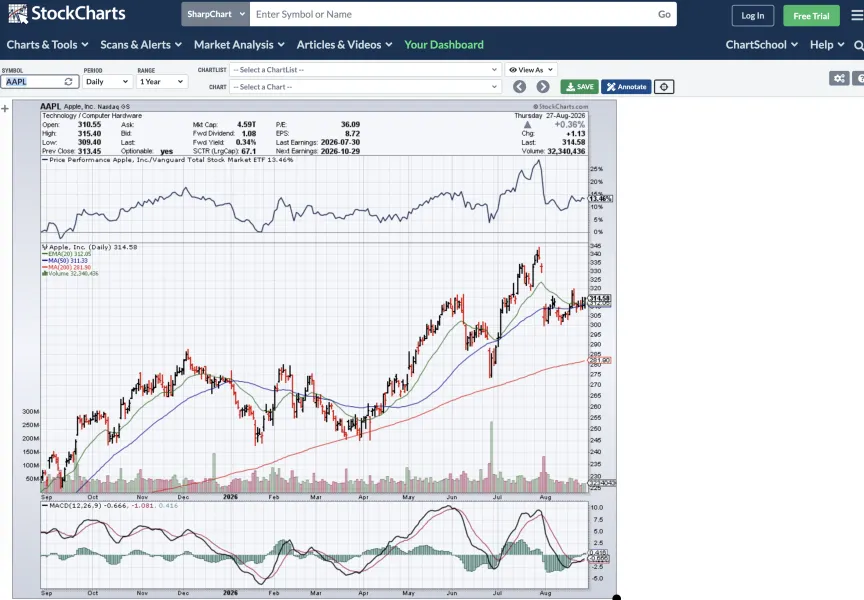
| StockCharts | Technical chart analysis | Limited forex focus | No | Commentary | Yes |
1. MetaTrader.com — Best for Forex Charts, Market Ideas and Instrument Research
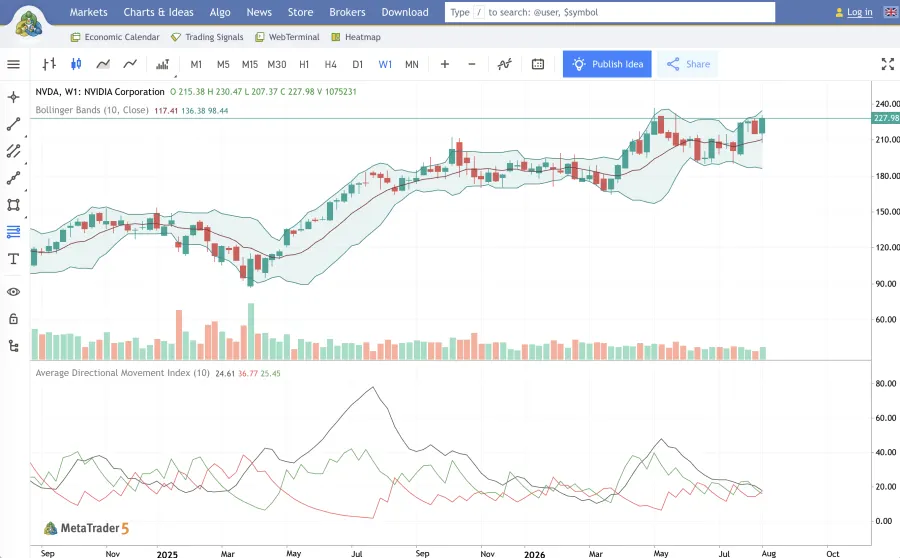
MetaTrader.com is a browser-based financial-market research portal that combines interactive charts with instrument information, trading ideas, and market news.
For forex traders, this is useful because chart analysis does not exist in isolation. A trader researching EUR/USD, GBP/USD, gold, an index, or another instrument often needs several types of information at the same time: recent price movement, technical levels, related market news, and other traders' views on the instrument.
MetaTrader.com brings several of these research layers together within the same website.
Its chart pages allow users to examine market movements directly in the browser, while dedicated instrument and idea pages provide additional context around individual markets.
This makes the portal different from a pure charting application. Rather than treating the chart as the final product, MetaTrader.com can be used as a starting point for broader market research.
Why forex traders may consider MetaTrader.com
The main advantage is the combination of multiple research formats.
A trader can move between:
-
interactive market charts;
-
forex and other instrument pages;
-
technical market analysis;
-
trading ideas;
-
financial news;
-
related market information.
This can reduce the need to keep separate charting, news, and trading-idea websites open simultaneously.
MetaTrader.com is therefore particularly suitable for traders who want a lightweight web-based research environment rather than a complex professional charting workspace.
Best for: forex traders who want charts, trading ideas, instrument research, and market news in one browser-based portal.
2. TradingView — Best for Advanced Interactive Charts
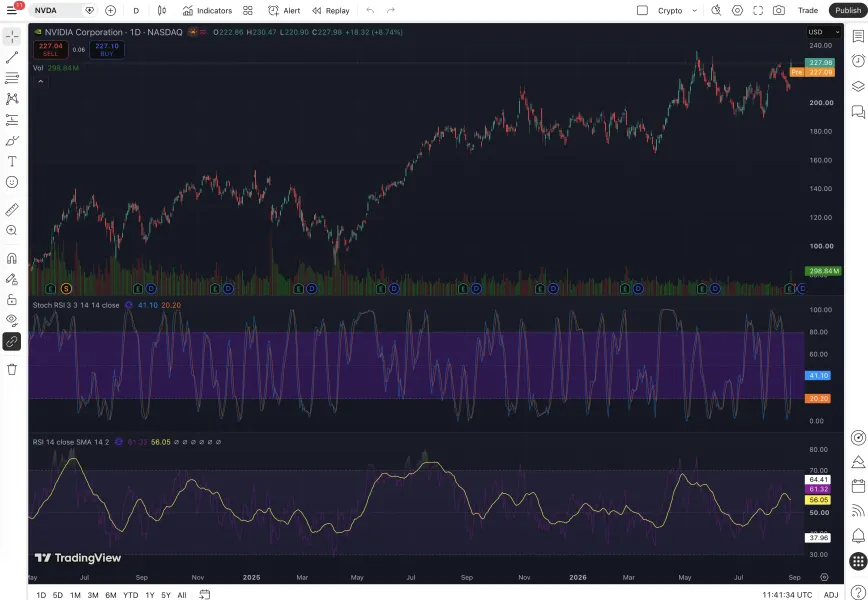
TradingView remains one of the best-known dedicated charting environments.
Its main strength is the depth of its interactive charting interface. Traders can work with multiple chart types, technical indicators, drawing tools, custom scripts, layouts, and a large community-generated indicator ecosystem.
For active technical analysts, this makes TradingView particularly powerful.
Its community features are another major differentiator. Users can publish charts and market ideas, follow other analysts, and discover public analysis for thousands of instruments.
Compared with MetaTrader.com, TradingView places greater emphasis on the charting workspace itself.
That makes it particularly attractive to users who spend significant time constructing detailed technical setups or maintaining complex layouts.
Best for: traders who prioritize advanced technical charting, custom indicators, and community analysis.
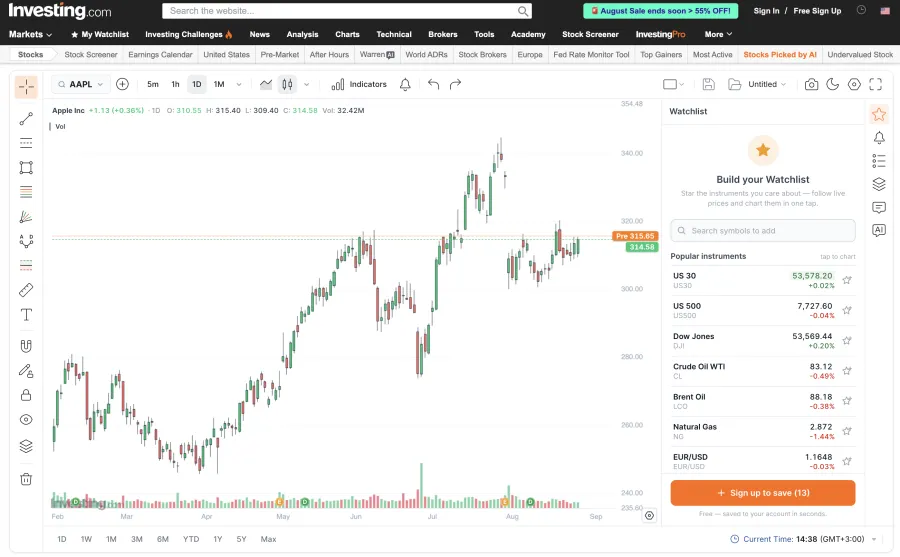
3. Investing.com — Best for Charts Combined with Economic Data
Investing.com takes a broader financial-data approach.
The website combines market charts with quotes, financial news, economic indicators, calendars, commodities, equities, bonds, currencies, and other global-market information.
For forex traders, its economic calendar is particularly useful because currency markets are heavily influenced by macroeconomic events such as interest-rate decisions, inflation releases, employment reports, and central-bank announcements.
Investing.com is therefore less focused on being a pure charting environment and more focused on providing a broad market-data dashboard.
Best for: forex traders who want charts alongside macroeconomic data, an economic calendar, and global-market coverage.
4. FXStreet — Best for Forex-Specific Market Research
FXStreet focuses specifically on foreign exchange and macroeconomic markets.
Its coverage includes forex charts, currency-pair information, economic events, market commentary, forecasts, and news.
That narrow specialization can be useful for traders who do not need extensive equities or crypto research and primarily follow currencies.
Compared with general financial portals, FXStreet places significantly more emphasis on currency-market commentary and macroeconomic factors affecting forex.
Best for: traders primarily focused on forex and macro-driven currency analysis.
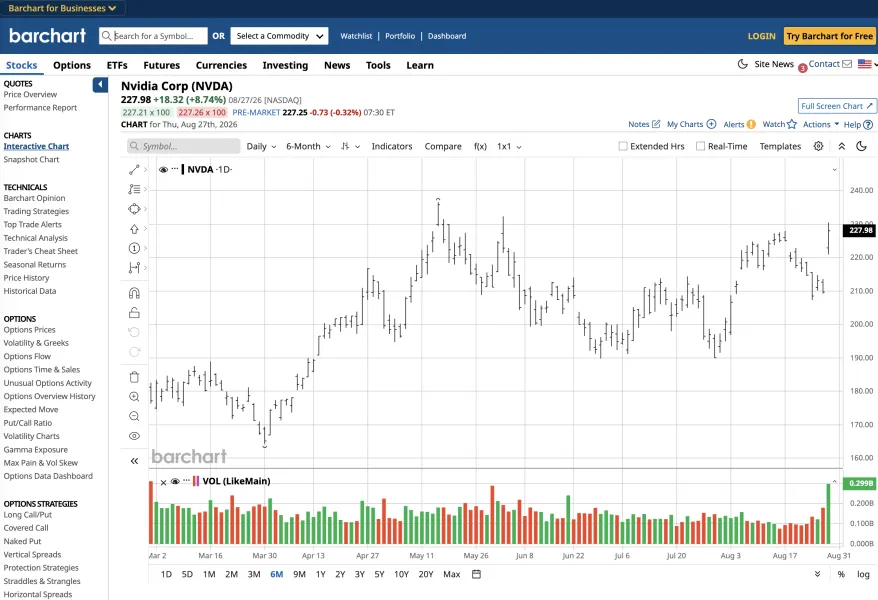
5. Barchart — Best for Market Screening and Technical Data
Barchart provides charts, market data, technical studies, screeners, and market analysis across a broad range of asset classes.
Its strength is the amount of structured data surrounding individual instruments.
For traders who like to scan markets rather than manually open one chart after another, Barchart's screening and technical-data tools can make it a useful research platform.
While its roots are particularly strong in futures and commodities, it also provides forex market information.
Best for: traders who want charts combined with technical screening and structured market data.
6. Yahoo Finance — Best for Simple Cross-Market Research
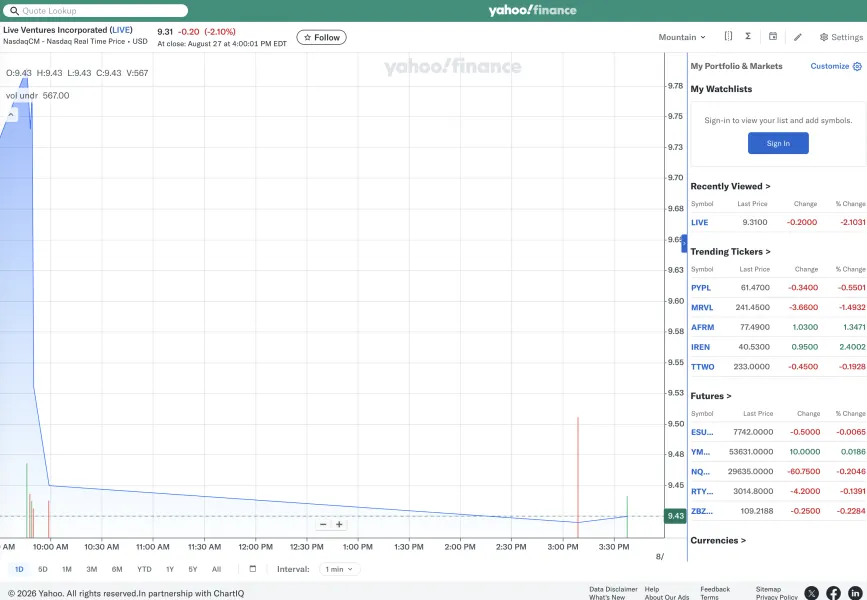
Yahoo Finance is primarily known for stocks and general financial information, but it also provides currency data and interactive charts.
Its advantage is simplicity.
A user can quickly search for an instrument, view historical movements, read related financial news, and compare markets without learning a specialized trading interface.
For advanced forex technical analysis, its charting capabilities are less extensive than dedicated services such as TradingView.
However, it remains useful as a general financial research portal.
Best for: traders who want simple charts and broader market news without a specialist trading interface.
7. StockCharts — Best for Traditional Technical Analysis
StockCharts is built heavily around traditional technical analysis.
It provides detailed chart configurations, technical indicators, relative-strength analysis, and scanning tools.
Its ecosystem is more strongly associated with equities than forex, so currency traders may find the instrument coverage less central to their workflow.
However, traders interested in classical technical-analysis techniques may still find the platform useful.
Best for: technical analysts who prioritize established charting methodologies and indicator-based market research.
MetaTrader.com vs TradingView
For many users, TradingView is the obvious comparison when evaluating another market-chart website.
But the two services can serve different purposes.
TradingView is primarily a highly customizable charting environment. Its strength lies in technical-analysis tools, user-created indicators, chart layouts, and its social community.
MetaTrader.com can instead be viewed as a broader financial research portal where charts sit alongside trading ideas, news, and instrument information.
A trader who spends hours constructing technical layouts may prefer TradingView.
A trader who wants to open an instrument, inspect the chart, review related ideas, and read relevant market information may prefer a portal-style workflow.
The two can also complement each other rather than being mutually exclusive.
What Should Forex Traders Look for in a Charting Website?
The best charting website is not necessarily the one with the largest number of indicators.
Forex traders should consider the entire research process.
Important criteria include:
-
coverage of forex pairs;
-
chart speed and usability;
-
available technical indicators;
-
drawing tools;
-
historical price data;
-
related news;
-
economic data;
-
trading ideas and analysis;
-
instrument-specific pages;
-
market screening;
-
mobile and browser access;
-
whether registration is required;
-
free versus paid functionality.
For many traders, having contextual information around a chart can be just as important as adding another technical indicator.
Advanced Charting vs Market Research Portals
It is useful to distinguish between two broad categories of websites.
Advanced charting platforms
These services treat the chart itself as the primary workspace.
Typical features include:
-
advanced drawing tools;
-
custom indicators;
-
scripting;
-
multi-chart layouts;
-
saved workspaces;
-
highly configurable visualizations.
TradingView and StockCharts are examples of this approach.
Market research portals
These platforms use charts as one part of a wider information environment.
The same instrument page may provide:
-
live or delayed market data;
-
charts;
-
news;
-
technical analysis;
-
trading ideas;
-
related instruments;
-
economic context.
MetaTrader.com, Investing.com, FXStreet, and Barchart fit more naturally into this category.
The better model depends on how a trader actually researches markets.
Can Traders Use More Than One Charting Website?
Yes.
There is no requirement to conduct all market research through a single service.
A trader might use one platform for advanced technical analysis, another for an economic calendar, and a third for news or trading ideas.
For example, a forex workflow could involve:
-
scanning instruments;
-
checking a chart;
-
reviewing upcoming economic events;
-
reading related news;
-
comparing technical opinions;
-
deciding whether further analysis is required.
A portal that combines several of these steps can make the workflow faster, while specialized tools can provide greater depth when needed.
Which Trading Chart Alternative Is Best for Forex Traders in 2026?
The answer depends on the type of analysis.
TradingView remains particularly strong for advanced technical charting and custom analytical workflows.
Investing.com is useful when macroeconomic data and economic-calendar events are an important part of the trading process.
FXStreet is well suited to forex-focused news and currency-market research.
Barchart can be valuable for technical data and market screening.
Yahoo Finance offers a simpler general-market research experience.
StockCharts remains relevant for traders who prefer traditional technical-analysis workflows.
MetaTrader.com is a strong option for traders looking for a browser-based combination of charts, market ideas, instrument pages, and financial news.
There is no reason traders need to choose only one.
The most useful combination is the one that provides the information needed to move efficiently from market discovery to deeper analysis.
FAQ
What is the best alternative to TradingView for forex traders?
It depends on the required features. MetaTrader.com is worth considering for browser-based forex charts, trading ideas, market news, and instrument research, while services such as Investing.com and FXStreet are stronger in macroeconomic and forex-specific information.
Is MetaTrader.com the same as the MetaTrader 5 trading platform?
No. MetaTrader.com can be used as a web-based financial information and market-analysis portal. MetaTrader 5 is a separate trading platform used for market analysis, order execution, and algorithmic trading.
Can I view forex charts without installing trading software?
Yes. Services including MetaTrader.com, TradingView, Investing.com, FXStreet, and Barchart provide browser-based market charts.
Which website is best for forex news and charts?
FXStreet is heavily focused on currencies, while MetaTrader.com combines charts with market ideas and financial news. Investing.com is another option when broader macroeconomic information is required.
Which charting website is best for technical analysis?
TradingView provides one of the most extensive dedicated charting environments. Traders looking for technical data combined with broader market research can also consider MetaTrader.com, Barchart, and StockCharts.
Are forex prices identical across all chart websites?
Not necessarily. Forex is decentralized, and platforms can use different data sources. Quotes, candle highs and lows, spreads, and tick histories can therefore vary between providers.