
 English
 Español
 Français
 Português
 BTC
 ETH
 LTC
 BCH
 USDT
 DOGE
 DASH
 USDC
 XRP
 XMR
 TRX
 BNB
 SHIB
 SOL
 DAI
 ZEC
 ETC
 POL
 ADA
 XLM
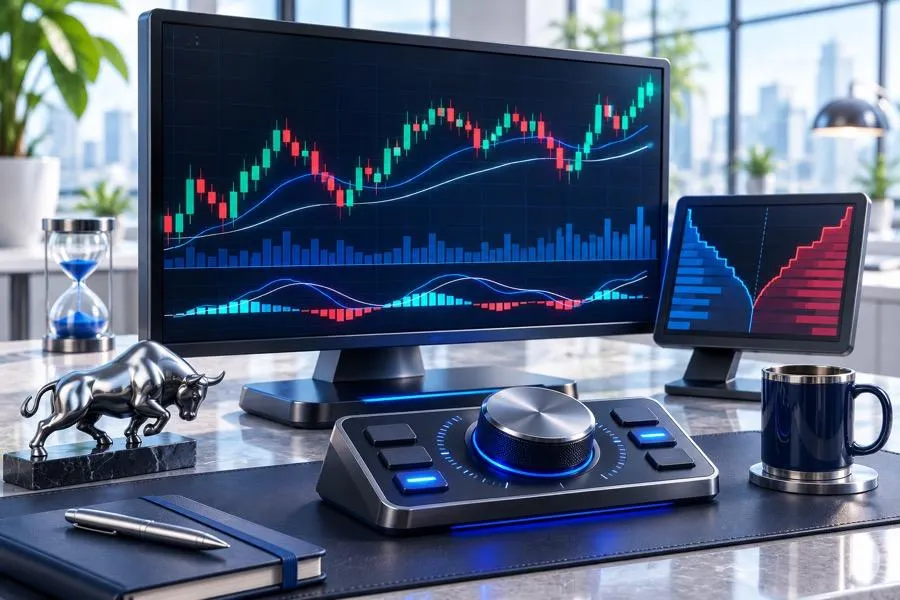
Day traders who rely on live charts have little time to think, so the software on screen shapes every entry and exit. A chart that redraws half a second late can cost you. So can a DOM that hides where aggressive orders are hitting or a feed that freezes right at the opening bell.
We picked eight platforms that cover the main ways active traders work in 2026. A few are built around footprint charts and order flow. Others use liquidity heat maps, broker-integrated execution, or focus on specific asset classes. You’ll learn where each one shines and stumbles, as well as the real price tag once market data is included.
How We Evaluated These Platforms
A live charting platform for day trading has a simple brief that is hard to deliver. It must process tick data without delay, reveal what happens inside each bar, and get your orders out quickly once you decide to act. We scored every platform on our list against five criteria:
- Real-time performance: whether it stays responsive on tick charts and during data bursts, such as the opening minutes or a CPI release.
- Order flow depth: which core tools it offers, from footprint charts and DOM views to heatmaps and Market by Order data.
- Data and broker connectivity: the feeds and brokers it works with, plus any extra charge for data.
- Practice tools: market replay and simulation for testing ideas before real money is on the line.
- Total cost: what you actually pay once license fees, plan limits, and the add-ons most day traders need are counted.
All details below come from each vendor’s published features and pricing at the time of writing. Prices change, and exchange data fees are usually charged on top of the platform cost, so confirm the current terms before you subscribe.
Quick Comparison of the 8 Best Live Charting Tools
The table below sums up what each platform is built for, where it runs, and what you'll pay to get started.
Platform | Best For | Operating Systems | Starting Price | Key Order Flow Tools |
ATAS | Order flow and volume analysis | Windows; macOS via ATAS X (beta) | Free plan; paid from €19.95/month | Footprint charts, Smart Tape, Smart DOM, heatmaps, MBO trackers |
TradingView | Technical analysis across many markets | Browser, desktop, and mobile | Free plan; €12.95/month billed annually | Volume footprint on Premium and Ultimate |
NinjaTrader | Futures trading and automation | Windows desktop, plus web and mobile apps | Free plan; $99/month or $1,499 lifetime | Order Flow+ volumetric bars and Market Depth Map |
Sierra Chart | Speed and deep customization | Windows | $26/month | Numbers Bars footprint, MBO data on Package 12 |
Bookmap | Liquidity heatmap visualization | Windows and macOS | Free plan; paid from $39/month billed annually | Heatmap, traded volume bubbles, MBO add-ons |
thinkorswim | Schwab clients trading stocks, options, and futures | Windows, macOS, Linux, web | Free with a Schwab account | Active Trader ladder, Level II quotes |
Quantower | Multi-broker order flow | Windows | Free version; All-in-One license $70/month | Footprint, DOM Surface, volume profiles |
MotiveWave | Elliott Wave and advanced analysis | Windows, macOS, Linux, and mobile | Free plan; from $24/month | Order Flow pack and advanced DOM from the Order Flow edition up |
1. ATAS: Best for Order Flow and Volume Analysis
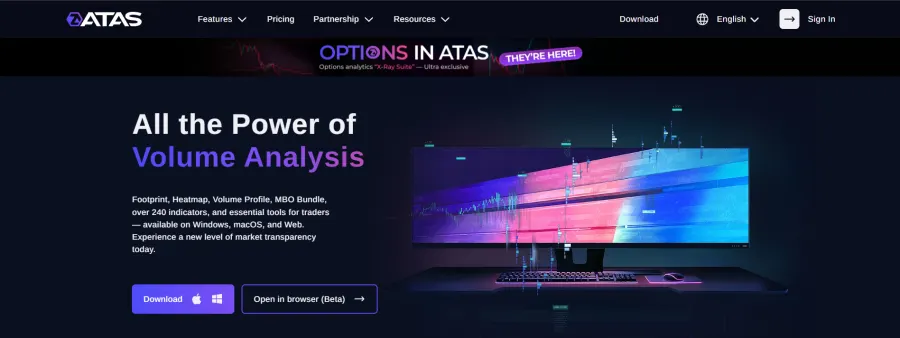
If your decisions depend on who is hitting the bid and who is lifting the offer, ATAS is probably the most complete order flow toolkit you can get as a retail trader. It's built around the footprint chart, which breaks every candle into bid and ask volume at each price level, and there are more than 400 ways to display it. You aren't stuck with time-based candles either, since footprints work on tick, volume, range, Renko, and reversal bars.
Smart Tape stitches split prints back together, so a big aggressive order shows up at its real size instead of as dozens of small trades. Smart DOM puts traded volume and footprint columns right next to resting limit orders. Then there's the liquidity heatmap: while still in beta, it comes with every plan, including the free Start tier, renders at over 600 frames per second, and stays synced with the chart and the DOM.
For practice, Market Replay runs recorded sessions at up to 1,000x speed. The Risk Manager enforces whatever loss and trade limits you set, and Cross Trading lets you read ES while your broker routes the orders to MES. The classic app is Windows only, but the ATAS X beta brings the platform to macOS.
Plans and Pricing
Start is free and includes real-time crypto with delayed futures. Plus runs €19.95 to €24.95 a month and adds Replay. Pro (€39.95 to €69.95) is where real-time futures and stock data begin, and Ultra (€49.95 to €89.95) lifts every limit. Lifetime licenses cost €999 to €1,999, and there's a 14-day trial and refund window.
Ultra subscribers get the MBO Bundle, which reads Market by Order data to show individual orders and where they sit in the queue. Its trackers flag icebergs that keep refilling, bursts of triggered stops, and sweeps that clear several price levels at once. MBO needs a Rithmic connection. The options tools (Options Board, Strategy Analyzer, and the 0DTE-focused Options X-Ray Suite for ES charts) work with either Rithmic or Interactive Brokers.
2. TradingView: Best for Technical Analysis Across Many Markets
TradingView doesn’t tie you to one device. It runs in any browser, as a desktop app, or on your phone, and your layouts sync through the cloud so they look the same everywhere. From one account, you can chart stocks, futures, forex, crypto, and indices. The workspace stays uncluttered even with more than 110 drawing tools and over 400 built-in indicators, plus thousands of Pine Script indicators and strategies from the user community.
What day traders like most is how fast you can get started. Multi-chart layouts, server-side alerts, and order routing through supported brokers work without any heavy installation. Bar Replay lets you step through past sessions. On Premium and Ultimate, you also get volume footprint charts with a bid and ask breakdown for each bar.
Fast markets are where TradingView's roots as an analysis platform start to show. Its order flow features are thinner than what dedicated futures platforms offer, and there's no Market by Order data at all. That's why plenty of traders keep TradingView for higher-timeframe structure and alerts, then switch to a specialist tool for footprint reading and execution.
Watch the plan limits, too. Charts per layout, indicators per chart, and active alerts all grow with the subscription, so a multi-monitor intraday setup tends to push you toward Premium or above.
Plans and Pricing
The free Basic plan caps indicators, charts per layout, and alerts. Paid tiers (Essential, Plus, Premium, and Ultimate) cost €12.95 to €199.95 a month on annual billing, and more if you pay monthly. Futures traders should budget extra, because real-time data from exchanges like CME is sold separately at €7/month.
3. NinjaTrader: Best for Futures Trading and Automation
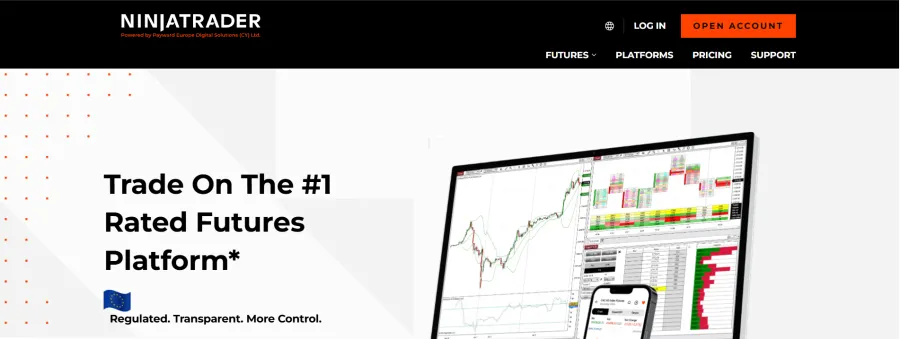
NinjaTrader has long been a go-to platform for retail futures traders, and it’s easy to see why. Advanced charting, the SuperDOM price ladder, and an in-house futures brokerage all come together in a single package. You won’t pay anything to use the desktop platform for charting, backtesting, or simulation. Non-time bars such as tick, range, and Renko are handled well, and performance holds up even with several workspaces running.
Automation is the reason many traders stay. Developers get a lot of freedom here, since NinjaScript is built on C# and supports custom indicators and fully automated strategies. If you’d rather not code, a large third-party marketplace sells add-ons for nearly every trading style.
Testing is built into the workflow. A new strategy can go through the Strategy Analyzer on historical data first, then through Market Replay, where it trades recorded sessions as if they were live. If you plan to code your own indicators or systems, give yourself time, because NinjaScript rewards patience more than speed.
Plans and Pricing
NinjaTrader ties its pricing to commissions, not just to software. On the Free plan, you pay $0.39 per side on micro futures. The Monthly plan ($99 a month) drops that to $0.29, and the Lifetime plan ($1,499 one-time payment) cuts it to $0.09. If you trade a lot, lower commissions can make the Lifetime license pay off. If you only trade now and then, the Free plan will make more sense.
Order Flow+ (sold separately for $59/month) adds volumetric bars, cumulative delta, a Market Depth Map, and order flow volume profiles. Note that it's included with the Lifetime license. One catch: the desktop platform is Windows-only, although NinjaTrader does have web and mobile apps for trading away from your desk.
4. Sierra Chart: Best for Speed and Deep Customization
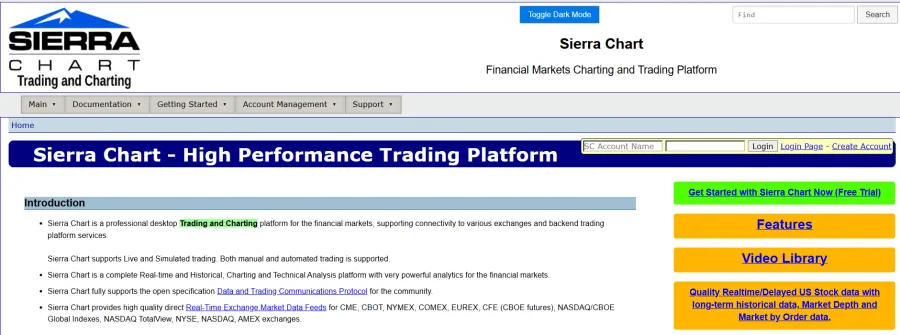
Many experienced futures traders consider Sierra Chart one of the fastest charting platforms. It's built for efficiency, handles big tick datasets with very little load on your system, and usually stays responsive during economic releases, which is exactly when heavier software starts to stutter.
You can configure almost everything, from chart studies and hotkeys to DOM layouts and order entry behavior. Numbers Bars, Sierra Chart's take on the footprint, shows bid and ask volume, delta, and imbalances at every price. Programmers get the Advanced Custom Study Interface and Language (ACSIL) for writing custom studies and trading systems in C++, with far more control than typical scripting languages allow.
Sierra Chart also runs its own infrastructure. Its Denali Exchange data feed delivers data straight to the platform, and Teton handles futures order routing. The price of all that control is setup time. Configuring workspaces takes patience; the documentation is thorough but dense, and the software only runs natively on Windows.
Plans and Pricing
Sierra Chart sells numbered service packages, which can be confusing. Packages 3 ($26) and 5 ($36) only work with Sierra Chart's own services. Integrated Packages 10, 11, and 12 ($36, $ 46, and $56 respectively) connect to outside services such as Rithmic and CQG. Numbers Bars needs one of the Advanced Features packages, and Package 12 adds Market by Order data.
If you trade through an outside broker or prop firm and want order flow, Package 11 is the sensible place to start. Paying for 3, 6, or 12 months up front cuts the price by 15% to 35%. Exchange fees add to the package price, so your final bill depends on the markets you follow.
5. Bookmap: Best for Liquidity Heatmap Visualization
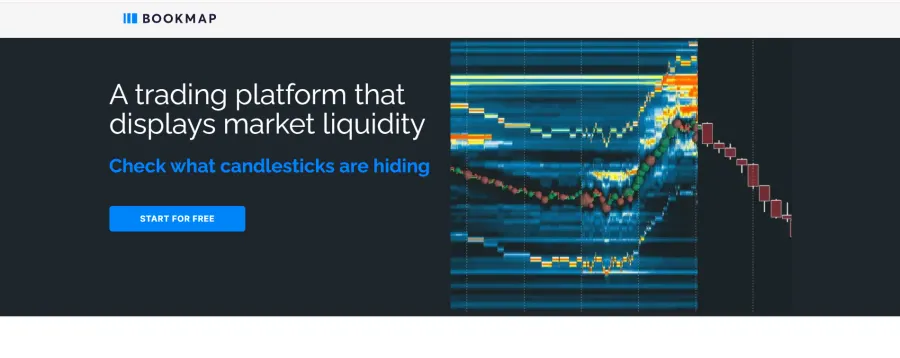
Bookmap shows the entire history of the order book as a heatmap. Resting limit orders appear as colored bands, brighter where the size is bigger, and executed trades sit on top as volume bubbles. Instead of guessing from a static DOM, you watch liquidity get added, pulled, or absorbed in real time.
It's especially good at exposing large passive orders defending a level, orders that vanish as the price gets close, and thin zones where the price can run. Bookmap runs on Windows and macOS and covers futures, stocks, and crypto. Its add-ons go further, including an MBO Bundle that tracks icebergs and stop runs using CME Market by Order data from Rithmic or BookmapData.
Don't expect a full charting suite, though. The indicator selection and higher-timeframe tools are limited, so many traders keep Bookmap on one monitor next to their main charting software. If seeing liquidity move is central to how you trade, few tools show it this clearly.
Plans and Pricing
The free Digital plan gives you real-time crypto, but futures and stocks are delayed. Real-time futures and stocks start with the Global plan, which is $49 a month or $39 a month billed annually. Global+ costs $99 to $79 a month and unlocks the more advanced add-ons, while Global Premium ($199 or $158 a month) adds the full MBO Bundle.
The Global tiers are also sold as lifetime licenses for $990, $1,990, and $3,990. Even on Global, though, you still need a data provider such as Rithmic, dxFeed, or BookmapData, and that's another monthly fee.
6. thinkorswim: Best for Schwab Clients Trading Stocks, Options, and Futures
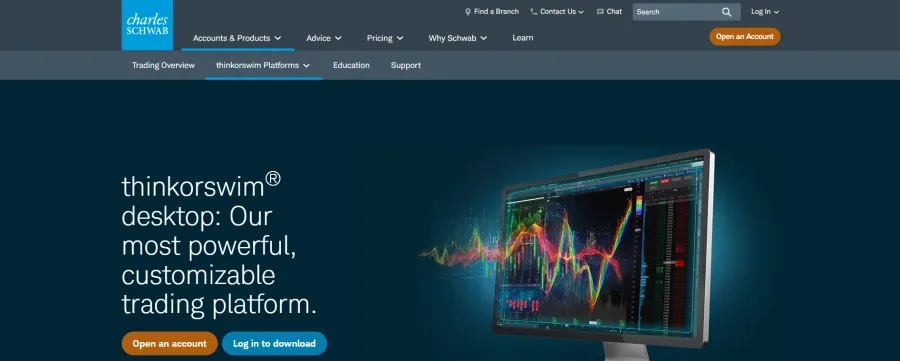
Thinkorswim is now part of Charles Schwab, and it's one of the most capable platforms you can use without paying a software fee. Schwab clients get the desktop, web, and mobile versions at no extra charge. The desktop app runs on Windows, macOS, and Linux. Charts come with hundreds of built-in studies, and the proprietary thinkScript language lets you code your own indicators, scans, and alerts.
Most trading happens inside a handful of tools. These are the ones you will use most:
- Active Trader: a price ladder where you place, adjust, or cancel orders with a single click
- OnDemand: replays past trading days, which is useful for practice or for reviewing your own decisions
- paperMoney: a simulated account with the same interface as live trading
- Analyze tab: options risk modeling with Greeks and probability analysis
Traders who mix equities, options, and futures get the most out of it, because everything sits under one account and one login. Level II quotes, Time and Sales, and real-time scanners come built in.
Dedicated order flow traders will hit its limits quickly, though. There are no native footprint charts or Market by Order tools, and because thinkorswim only works with a Schwab account, you can't connect an outside futures broker or a prop firm feed. Futures trading also needs a separate approval on your Schwab account.
That makes thinkorswim an excellent platform for stocks and options and a decent backup for futures. If you need detailed footprint analysis, plan on running a specialist tool next to it.
7. Quantower: Best for Multi-Broker Order Flow
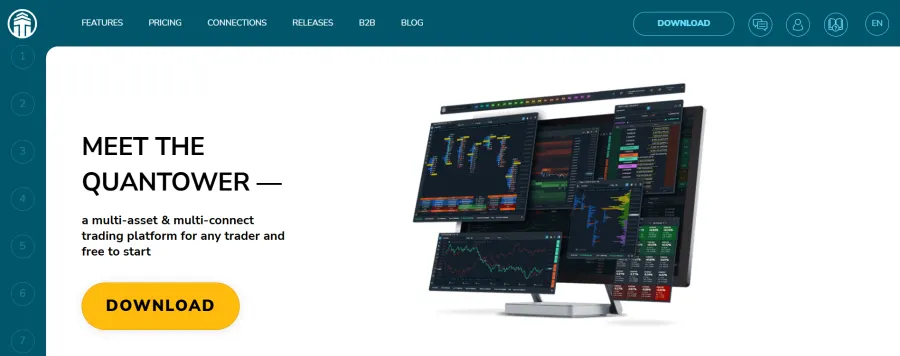
Quantower is modular and designed to connect to many brokers and data feeds from a single interface: Rithmic, CQG, Interactive Brokers, and crypto exchanges such as Binance and Bybit. You build your workspace from linked panels. Switch instruments, and the charts, DOM Trader, Time and Sales, and account windows all update together.
Its order flow tools have become a credible alternative to older platforms. Footprint charts, DOM Surface, volume profiles, and VWAP give you a detailed view of activity at each price. The platform can also copy trades across accounts, which is handy if you're running several prop firm evaluations at once.
Operating system support is narrower. Quantower currently runs only on Windows, and its developers say a Mac version is still in the works, so Mac users need a virtual machine for now. On the plus side, the interface feels newer than most older platforms, and that shortens the adjustment period.
Plans and Pricing
The free version never expires. It includes charts, the DOM Trader, Time and Sales, technical indicators, and the API, which is plenty for price action traders. Footprint charts, volume profiles, and VWAP need a paid license, though. The All-in-One license is $70 a month or $1,690 for lifetime access, and you can buy individual pro features separately if you only need one.
Some brokers bundle Quantower technology at no platform cost. Optimus Futures, for example, gives its clients Optimus Flow, a platform built on Quantower. Before you start, check how your connection is licensed, since traders using Rithmic through a prop firm often need a paid license to unlock the order flow tools.
8. MotiveWave: Best for Elliott Wave and Advanced Technical Analysis
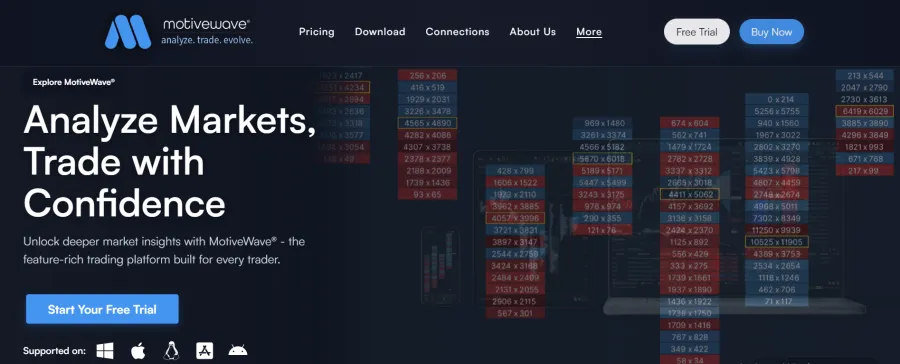
MotiveWave targets traders who use structured methods like Elliott Wave, Gann, harmonic patterns, and Fibonacci projections. Its Elliott Wave tools let you build and break down wave counts across multiple degrees. The software then checks each count against the theory's rules and guidelines and alerts you when one is broken.
MotiveWave isn’t tied to any single broker or data vendor. It connects to dozens of them, so you can keep the account and data feed you already use.
The platform runs on Windows, macOS, and Linux, has iOS and Android apps, and includes market replay, a strategy backtester, and an SDK for custom studies. From the Order Flow edition up, you also get an order flow studies pack, an advanced DOM, and a trade copier.
Order flow isn't its main strength, however. The footprint and DOM tools do the job, but traders who watch live order flow throughout the trading day will find more depth in dedicated platforms such as ATAS.
Plans and Pricing
You can lease each edition monthly or buy it outright. Standard costs $24 a month or $245; Order Flow is $49 a month or $595 as a one-time purchase; Elliott Wave Lite is $89 a month or $1,395. PRO ($99 a month or $1,495) adds multiple broker connections. Ultimate ($159 a month or $2,295) brings in the Elliott Wave scanner and Hurst Cycles.
This lineup confuses many buyers because Elliott Wave Lite branches off Standard and leaves out the order flow tools. Need both? PRO covers order flow, and Ultimate covers everything. A 14-day trial of Ultimate lets you test the full feature set before you pick an edition.
How to Choose the Right Live Charting Software
No platform is right for everyone, and the priciest one is rarely the best place to start. Someone scalping aggressive orders on ES needs very different tools from someone trading stock breakouts on five-minute charts. A few practical questions will narrow the field fast.
Match the Platform to Your Market and Method
Trading futures off order flow? Then focus on ATAS, Sierra Chart, NinjaTrader, Quantower, or Bookmap. If you rely mostly on indicators and chart patterns across several asset classes, TradingView or MotiveWave will suit you better. Schwab clients who mix stocks, options, and futures can do a lot inside thinkorswim without paying anything extra.
Be honest about how much time you'll spend customizing, too. Sierra Chart and NinjaTrader reward people who enjoy fine-tuning every setting, while TradingView and thinkorswim are usable within minutes of logging in.
Budget for Market Data, Not Just Software
The platform fee is often the smaller part of the monthly bill. Real-time CME data carries exchange fees, and many order flow platforms need a separate feed from Rithmic, CQG, dxFeed, or another provider. Free plans often show futures on a delay. That's fine for learning, but not for live intraday decisions.
Advanced tools can come with their own requirements. Market by Order features in ATAS, Bookmap, and Sierra Chart depend on specific data connections or higher plans. Confirm what your broker or prop firm provides before paying for a tier built around those tools.
Check Operating System and Broker Compatibility
Sierra Chart, Quantower, and the NinjaTrader desktop platform only run natively on Windows. Mac users have more choice than they used to, with Bookmap, MotiveWave, thinkorswim, TradingView, and the ATAS X beta all available on macOS. If you trade a funded account, check which platforms and data connections your prop firm supports. That alone can rule out several options.
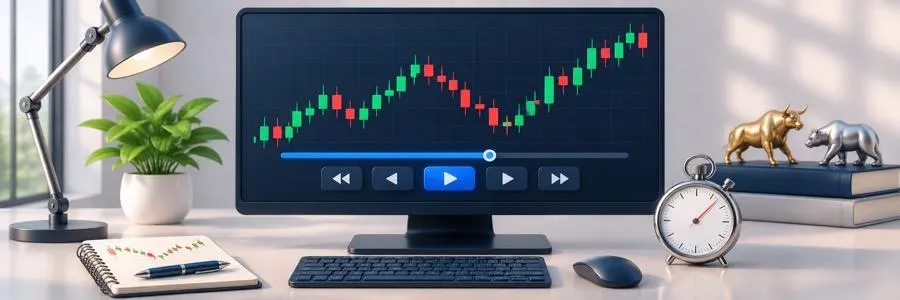
Test Each Platform in Replay Mode First
Before you commit to a subscription, take advantage of the free plan, trial, or simulation mode that almost every platform here provides. Use that time to replay a few hectic sessions, like a CPI release or a crowded market open, and see whether the charts keep up when activity jumps. Software that feels responsive during a slow afternoon can start lagging the moment order volume surges.
What Is the Best Platform for Live Charts?
The best live charting software for day traders in 2026 matches how you read the market. ATAS leads this list for traders who want footprint charts, Smart DOM, a liquidity heatmap, and MBO analysis in one workspace. Bookmap is still the benchmark for pure liquidity visualization. NinjaTrader and Sierra Chart reward traders who put time into setup, and Quantower delivers similar depth across many brokers and data feeds.
In terms of analysis, TradingView is hard to beat, MotiveWave caters nicely to wave and pattern traders, and thinkorswim gives Schwab clients a capable platform at no extra charge. You can start with a free plan or trial and try it during a busy session. Then pick the platform you can trust to read rapidly when the market shifts.
